Haptic Feedback for the Web
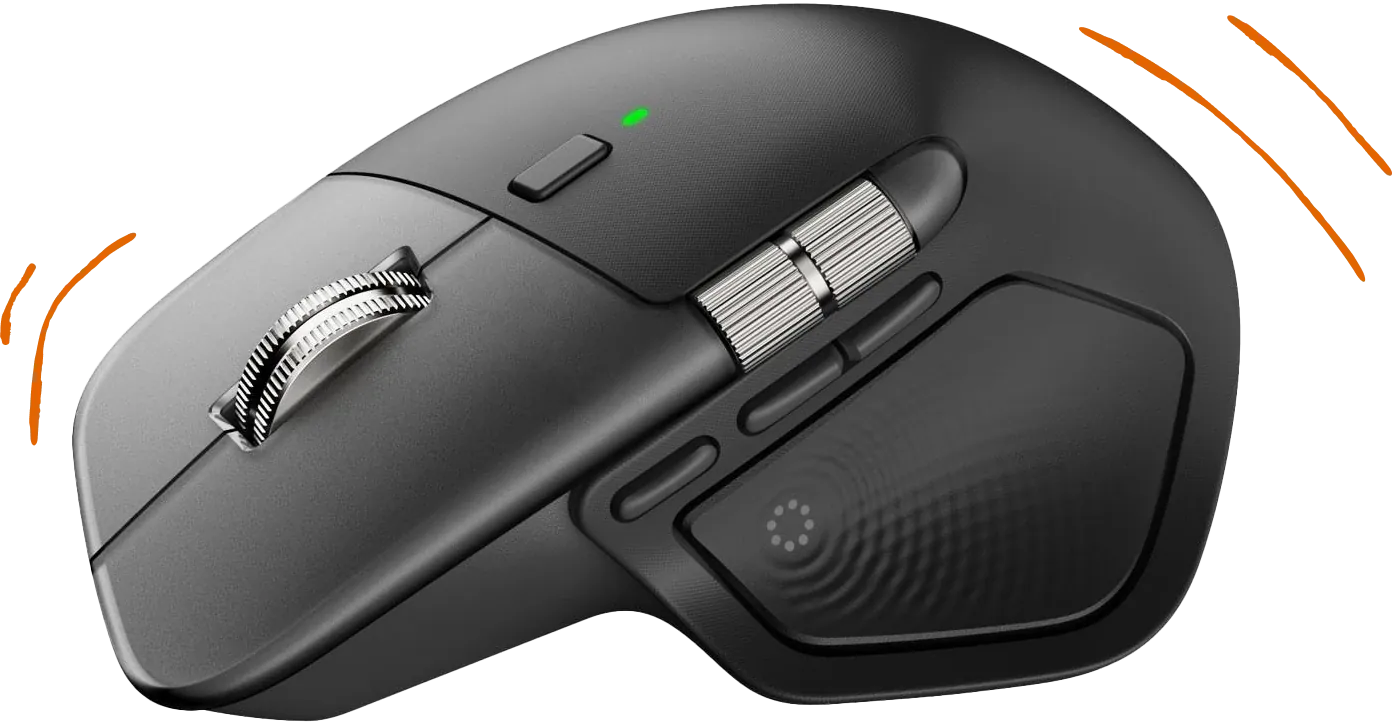
A plugin that exposes MX Master 4 haptic feedback through a local HTTPS server and WebSocket API. Add tactile feedback to your web apps, games, and creative tools.
Get Started in Minutes
Install the plugin, connect your MX Master 4, and start adding haptic feedback to your projects.
1. Install
Install from the Logitech Marketplace in Logi Options+, or download manually from GitHub. Takes less than a minute.
Installation guide2. Integrate
Add a few lines of JavaScript to trigger haptic feedback in your app via WebSocket or REST.
Integration guideGot the plugin installed?
Connect your MX Master 4 to test it right here. This will request permission to access your local haptics service.
Hardware Requirement
This plugin requires a Logitech MX Master 4 mouse with Logi Options+ installed. The MX Master 4 is the only Logitech mouse with a haptic motor that can be controlled via the Actions SDK.